LoupeLensMagnifier app for iPhone
A magnifying glass with a light, on your iPhone
LoupeLens turns your iPhone into a magnifying glass with up to 40x zoom and an adjustable flashlight. Read tiny labels, check ears and skin, and inspect small details, even in the dark.
Scan with your iPhone camera to open the App Store.
Annual subscription with Family Sharing. The App Store shows the price for your country.
- Up to 40x zoom
- Dimmable flashlight
- Works offline
- No ads or account
You usually need a magnifier when there isn’t one nearby
And the light is rarely good. These are the situations where your phone is the closest thing to a loupe.
Labels and fine print
Dosage instructions, ingredient lists, expiry dates, serial numbers and contract clauses printed in type too small to read.
Late-night worries
A child’s sore ear, a splinter, a rash, a tick on the dog. These usually turn up at night, in a dim room.
Things that need a closer look
Hallmarks on jewelry, mint marks on coins, solder joints, stitches, seeds, insects and anything else your eyes can’t resolve.
How it works
If you have used the Camera app, you already know the gestures.
-
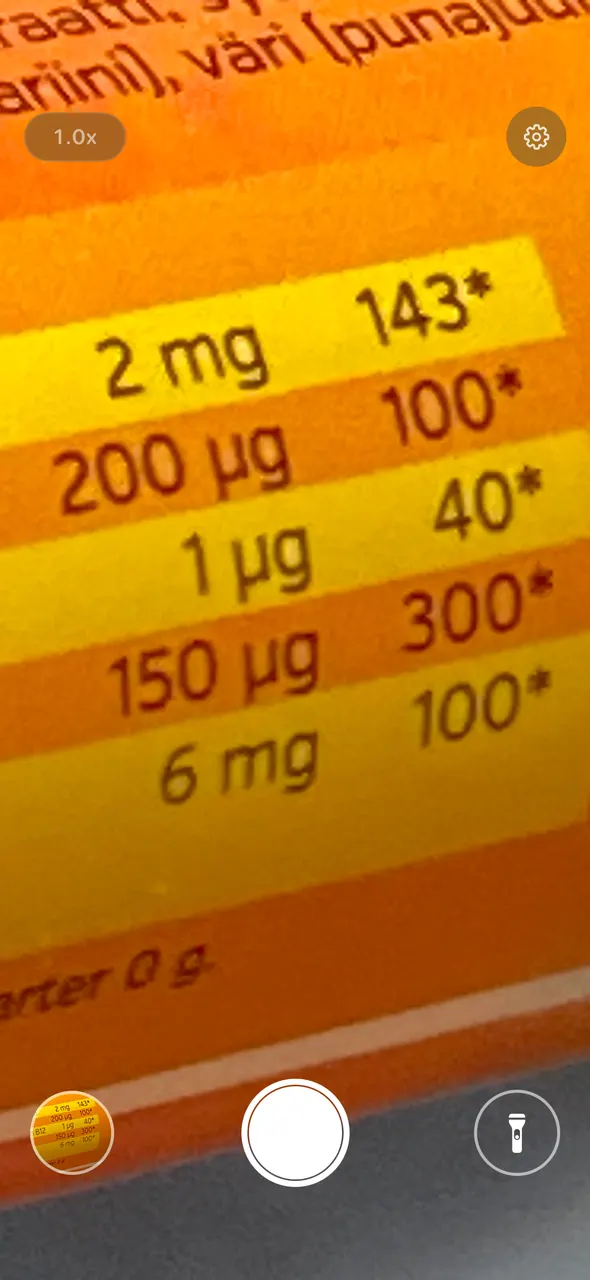
Small print on a label -
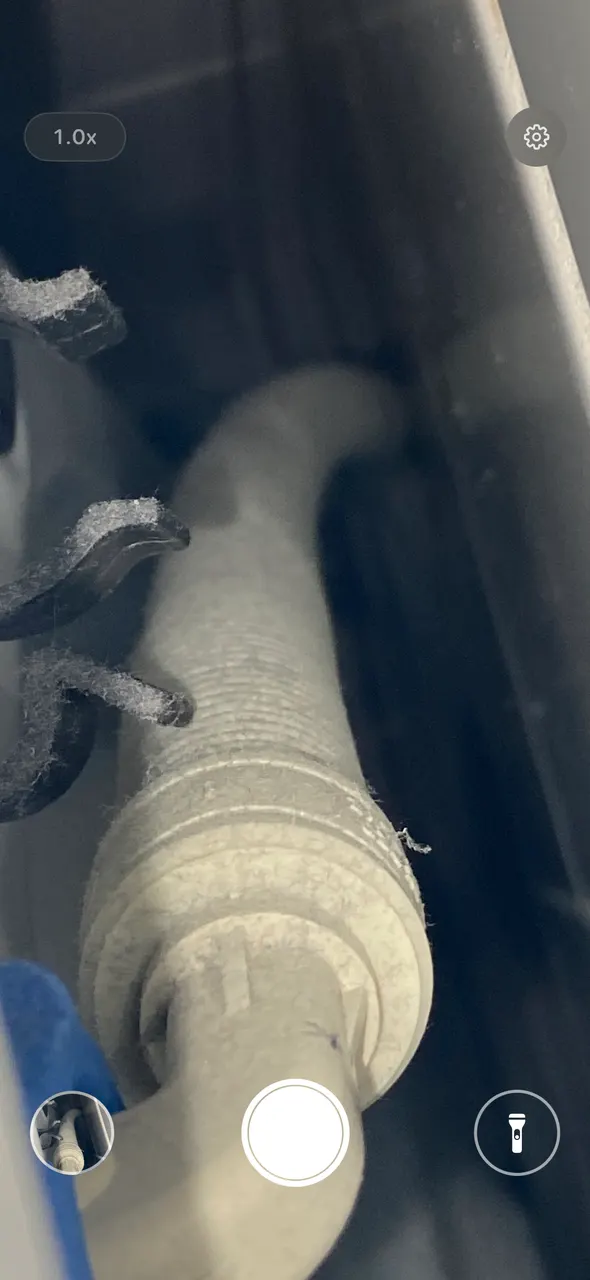
Dark corners with the flashlight on -
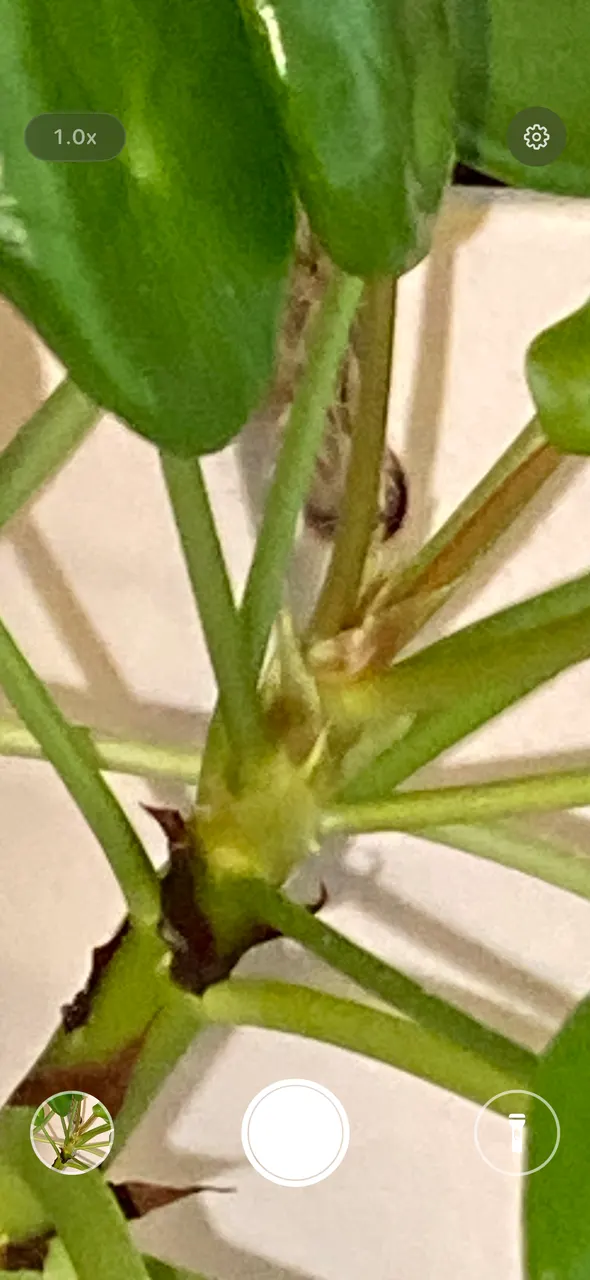
Plants up close
Swipe or pinch to zoom
Swipe up anywhere on the screen or pinch to zoom in up to 40x. Tap the zoom badge to reset to 1x.
Hold the light button to set brightness
Tap the flashlight button to switch the light on. Press and hold it, then slide to dim or brighten so glossy labels don’t glare.
Tap to capture, hold to record
Tap anywhere to focus and take a photo. Hold to record a video. Everything is saved to a LoupeLens album in Photos.
What the app does
Everything is on one screen and works with one hand.
-
Up to 40x zoom
Zoom up to 40x on every supported iPhone, more than the Camera app offers on most models, with the light on the whole time.
-
Adjustable flashlight
The flashlight stays on while you zoom. Set the brightness low for shiny paper or high for dark corners.
-
Selfie camera with light
Switch to the front camera to check your face, eyes or teeth. Tap the light button and a white border around the picture lights your face. Hold and slide to make it brighter or dimmer.
-
Photo and video capture
Capture what you see to compare later or send to a doctor, vet, or family member.
-
Works completely offline
No internet connection, account or sign-up needed. It works the same in a basement or on a plane.
-
No ads, no tracking
The app has no analytics, and your photos never leave your phone unless you share them.
What people use LoupeLens for
The jobs people open a magnifier with a light for most often.
Reading small text
Medicine labels, ingredient lists, contracts, menus in dim restaurants.
Splinter removal
Find the entry point and see the splinter clearly before you reach for tweezers.
Checking ears and skin
Look at a rash, a mole or a child’s ear canal with light and zoom together.
Pet health checks
Ticks, ear irritation, paw injuries and skin changes on dogs and cats.
Coins, stamps and jewelry
Mint marks, perforations, hallmarks and gemstone inclusions.
Electronics and crafts
Solder joints, component markings, needlework and model details.
Why not just use the iPhone’s Magnifier?
Apple’s free Magnifier works well for many people. LoupeLens adds a dimmable light, 40x on every supported model and one-tap photos.
| LoupeLens | Built-in Magnifier | |
|---|---|---|
| Maximum zoom | 40x on all supported iPhones | Depends on device |
| Flashlight brightness | Adjustable with one gesture | On or off |
| Front camera with screen light | Yes | No screen light |
| Photo and video capture | Tap to capture, hold to record | Freeze frame, save is limited |
| Photos saved to an album | LoupeLens album in Photos | Manual |
| Zoom gesture | Swipe anywhere or pinch | Slider |
Used in dozens of countries
LoupeLens is used on iPhones in dozens of countries, from Germany and the Netherlands to Thailand, Brazil and Senegal. The app is translated into 34 languages.
GermanyNetherlandsSpainThailandSwitzerlandIsraelHungaryNorwayFranceTürkiyeSaudi ArabiaVietnamBrazilSenegalUnited StatesFinland
Your photos stay on your phone
LoupeLens collects no data, so there is nothing to opt out of.
- No ads
- No account or sign-up
- No analytics or tracking
- Works offline
- Photos stay in your Photos app
One subscription for the family
An annual subscription that everyone in your Apple Family group can use.
- Unlimited use, all features
- Photo and video capture
- Share with up to five family members
- All future updates
- Cancel anytime in the App Store
Pricing is shown in your local currency on the App Store.
Frequently asked questions
What is LoupeLens?
LoupeLens is an iPhone magnifier app. It combines the camera with up to 40x zoom and an adjustable flashlight so you can read small print and inspect small things, even in the dark. It also captures photos and videos of what you see.
Can I use my iPhone as a magnifying glass?
Yes. Every iPhone has Apple’s free Magnifier app, and LoupeLens is a magnifying glass app that adds an adjustable flashlight, up to 40x zoom on every supported iPhone, a front camera mode with a screen light, and one-tap photos saved to their own album.
How is LoupeLens different from the iPhone’s built-in Magnifier?
LoupeLens keeps the flashlight on while you zoom and lets you adjust its brightness with one gesture. It reaches 40x zoom on every supported iPhone, adds a front camera mode with a screen light, and saves photos and videos to a dedicated album. Apple’s Magnifier is a solid accessibility tool; LoupeLens is built for quick, one-handed reading and inspection.
Does LoupeLens work without internet?
Yes. LoupeLens works completely offline. It needs no account, no sign-up and no cloud service. Once installed from the App Store it works anywhere.
Does LoupeLens collect my data?
No. LoupeLens collects, stores and transmits no personal data. There are no ads, no analytics and no tracking. Photos and videos are saved only to your own Photos app.
How much does LoupeLens cost?
LoupeLens is an annual subscription that can be shared with your Apple Family group. Pricing is shown in your local currency on the App Store and you can cancel anytime.
Which iPhones are supported?
LoupeLens runs on iPhone with a recent version of iOS. 40x zoom is available on every supported model. The app is listed on the App Store as Light & Magnifier: LoupeLens.
Is LoupeLens a medical device?
No. LoupeLens is for general inspection and reading only. It must not be used to diagnose, treat or prevent any condition. If you are worried about a health issue, see a qualified professional.
Who makes LoupeLens?
LoupeLens is made by Lemanse Oy, an independent software studio in Finland. Support is at support@lemanse.fi.
Keep reading
Use cases
Reading small text, splinters, skin checks, pets, collectibles and more.
Phone as a magnifying glass
Every way to open a magnifier on iPhone or Android, with light, zoom and capture tips.
Comparisons
LoupeLens against the built-in Magnifier, handheld loupes and free apps.
Articles
Practical reading and inspection advice for everyday life.
Popular guides
- How to Use Your Phone as a Magnifying Glass [iPhone/Android]
- Best Magnifying Glass Apps for iPhone [2027 Compared]
- Best Microscope Apps for iPhone [2027 Compared]
- Best Flashlight Apps for iPhone [2027 Compared]
- Best Mirror Apps for iPhone [2027 Compared]
- Best Low Vision Apps for iPhone [2027 Guide]
- Best Coin Apps for iPhone [2027: ID, Value, Loupe]
- How to Read Small Print Without Glasses [iPhone Guide]
- Expiry Date Too Faded or Tiny to Read? [Phone Fix]
- Magnifier Missing on iPhone? How to Get It Back [Fix]
- What Does 40x Zoom Mean on a Phone? [vs a 10x Loupe]
- Jewelry Stamps Meaning: 925, 14K, 750 and More [Chart]
- Where Is the Mint Mark on US Coins? [Location Chart]
- How to Read a Tire Date Code [DOT Week and Year]
- How to Check Your Dog's Ears [What Healthy Ears Look Like]
- Tick or Skin Tag on Your Dog? How to Tell Up Close
- Microscope App for iPhone: What Your Phone Can See
- How to Read Expiration Date Codes [EXP, BB, MFG, LOT]
- Dog Ear Wax Color Chart [What Each Color Means]
Get LoupeLens for your iPhone
Install it now and it is ready the next time a label is too small to read.
Scan with your iPhone camera to open the App Store.